Frictionless set logging
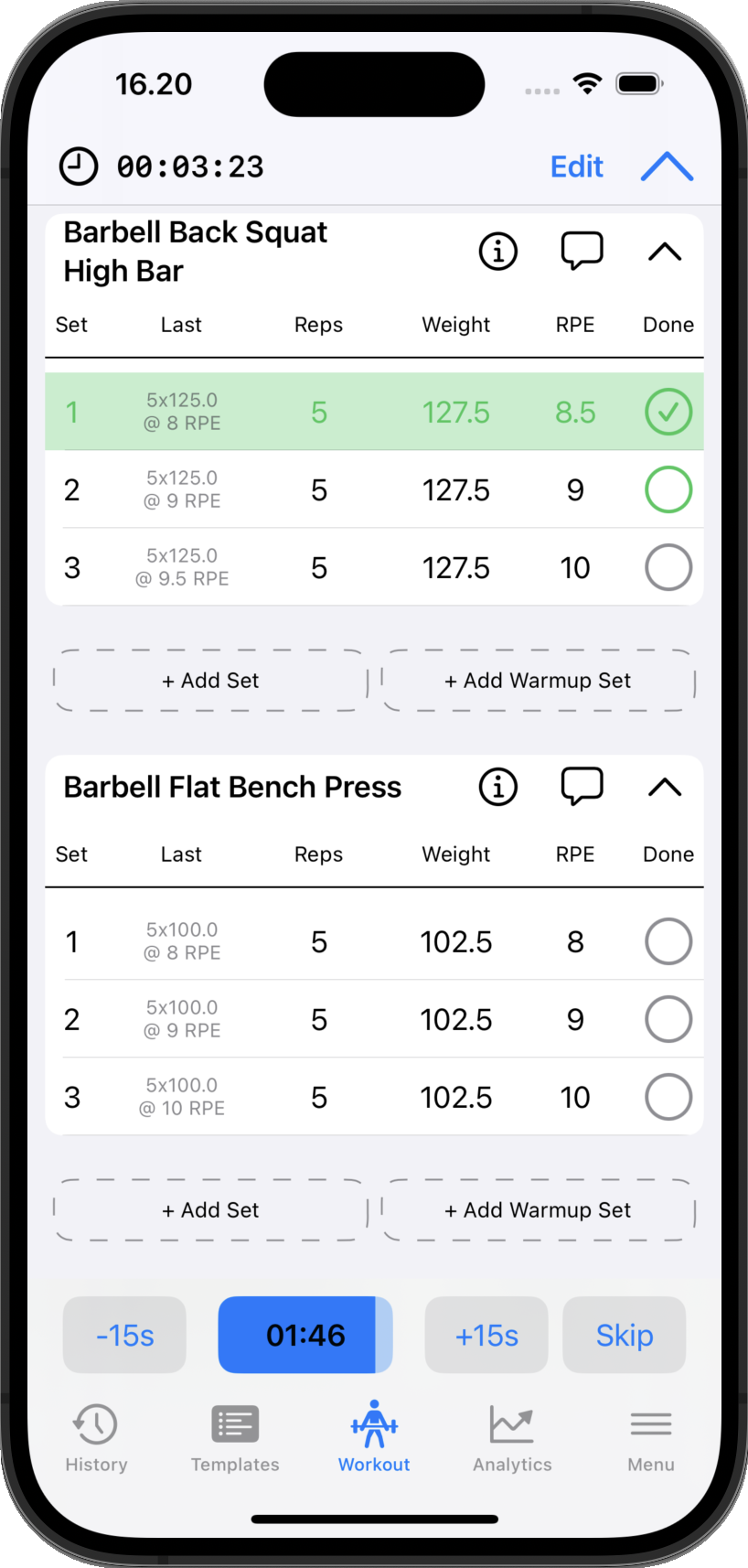
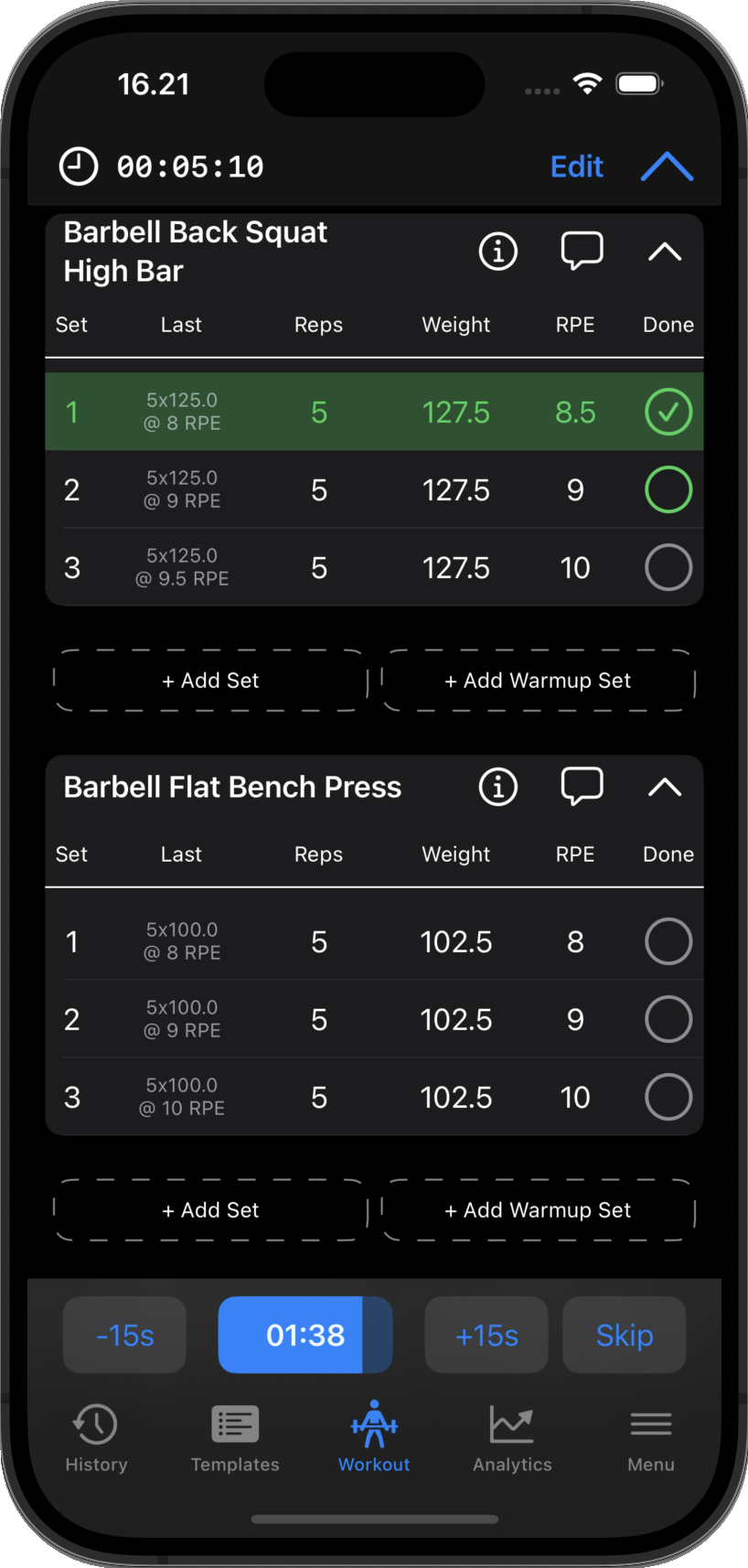
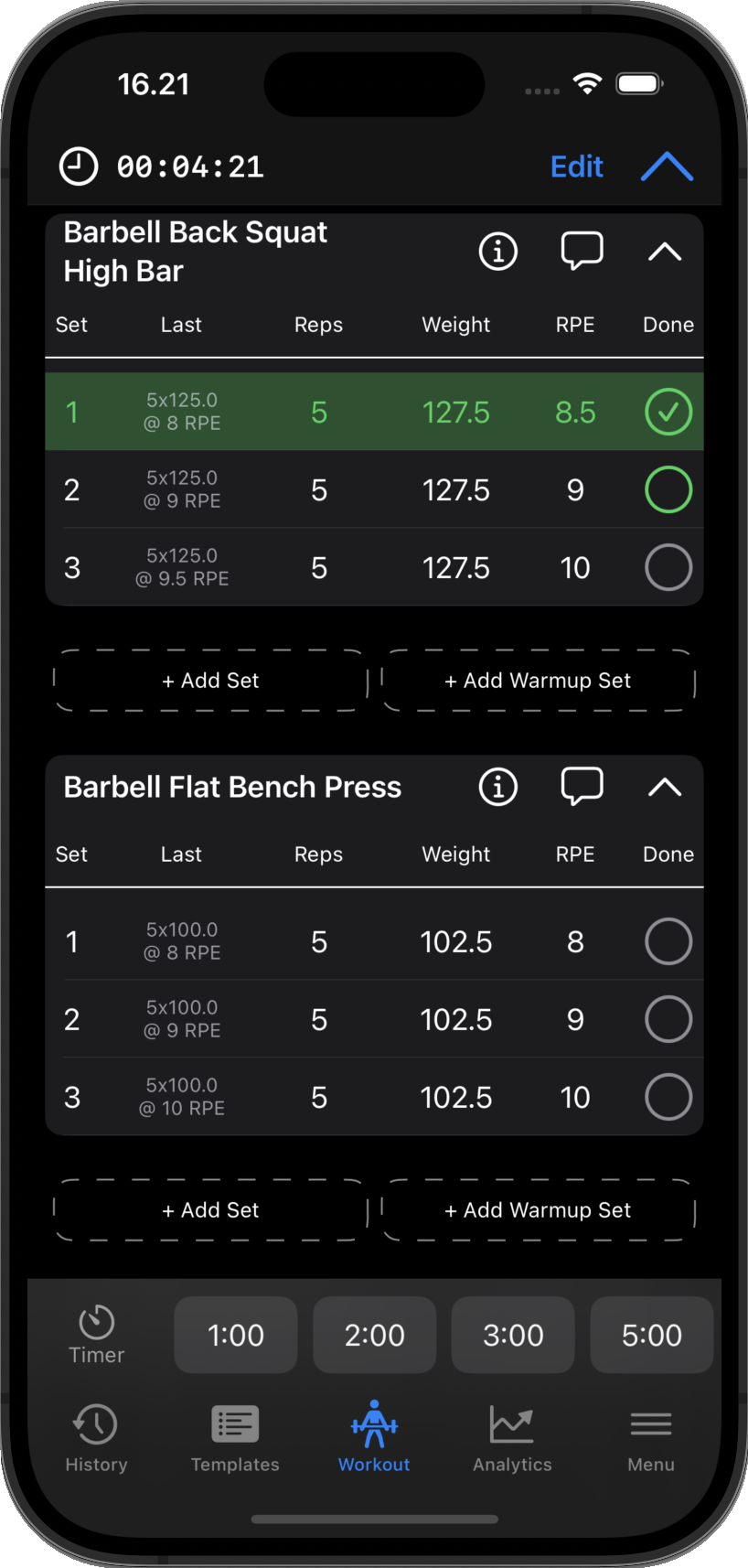
Planned sets can be marked done in one tap. Small changes to reps, weight, or RPE are handled with quick increment controls and a custom input keyboard.
Open beta for iPhone
A free native iPhone workout log for lifters who bring their own program, move quickly between sets, and still want useful progress data after the session.
Built for the gym floor
GymLog does not include built-in programs or exercise videos. It is meant for people who know what they want to train and need a fast, flexible way to log it.
Planned sets can be marked done in one tap. Small changes to reps, weight, or RPE are handled with quick increment controls and a custom input keyboard.
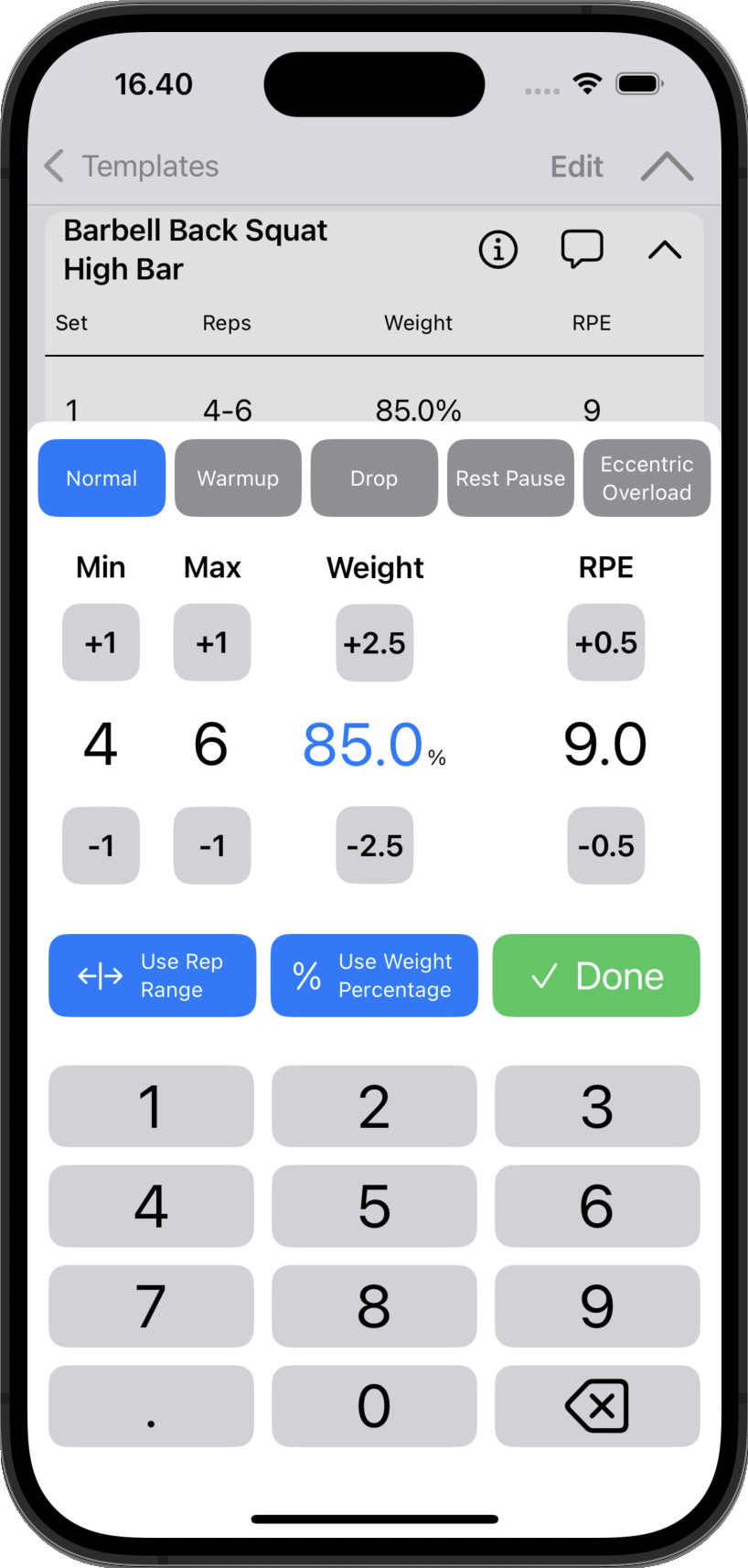
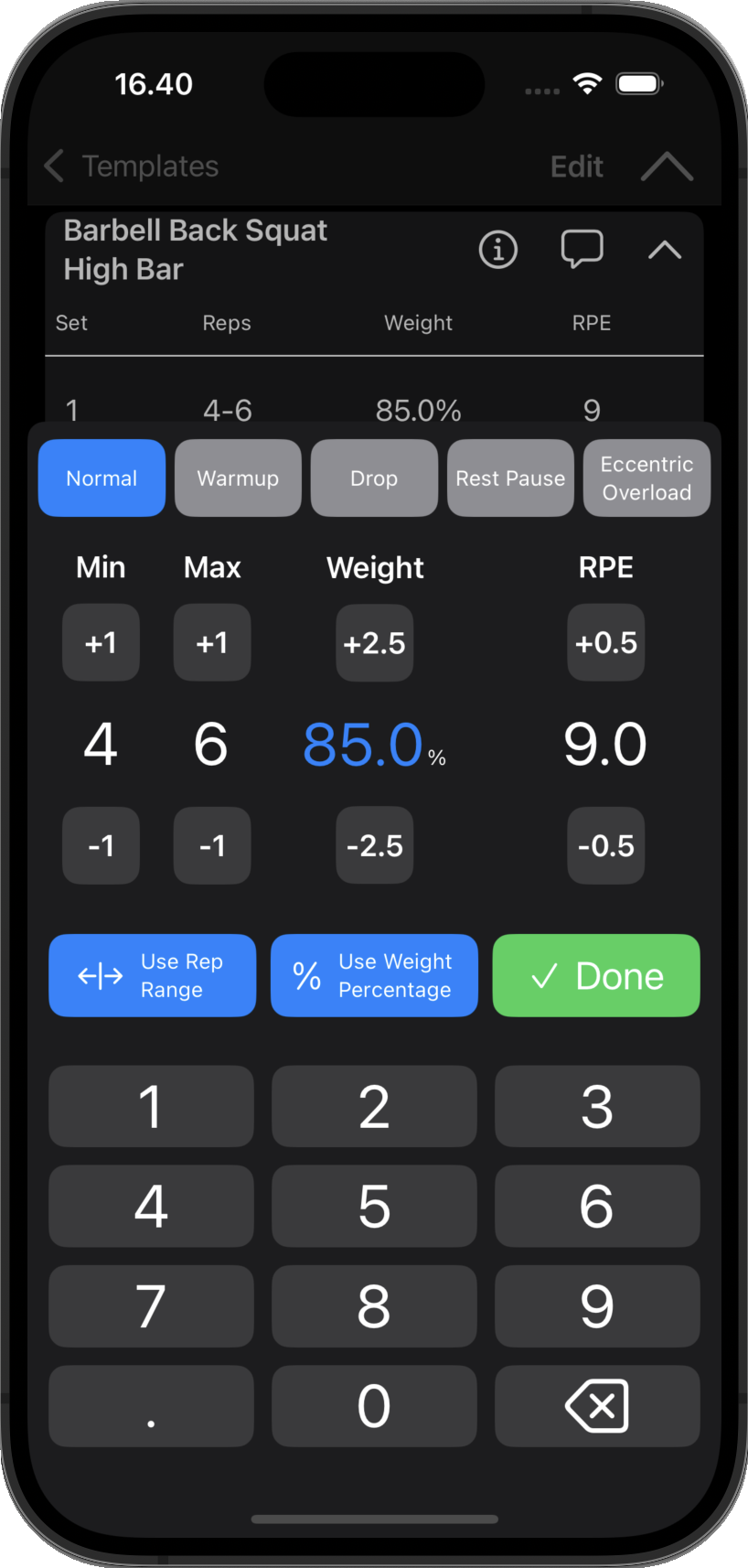
Plan rep ranges, percentage-based work, RPE targets, supersets, special sets, warmups, and reusable training presets.
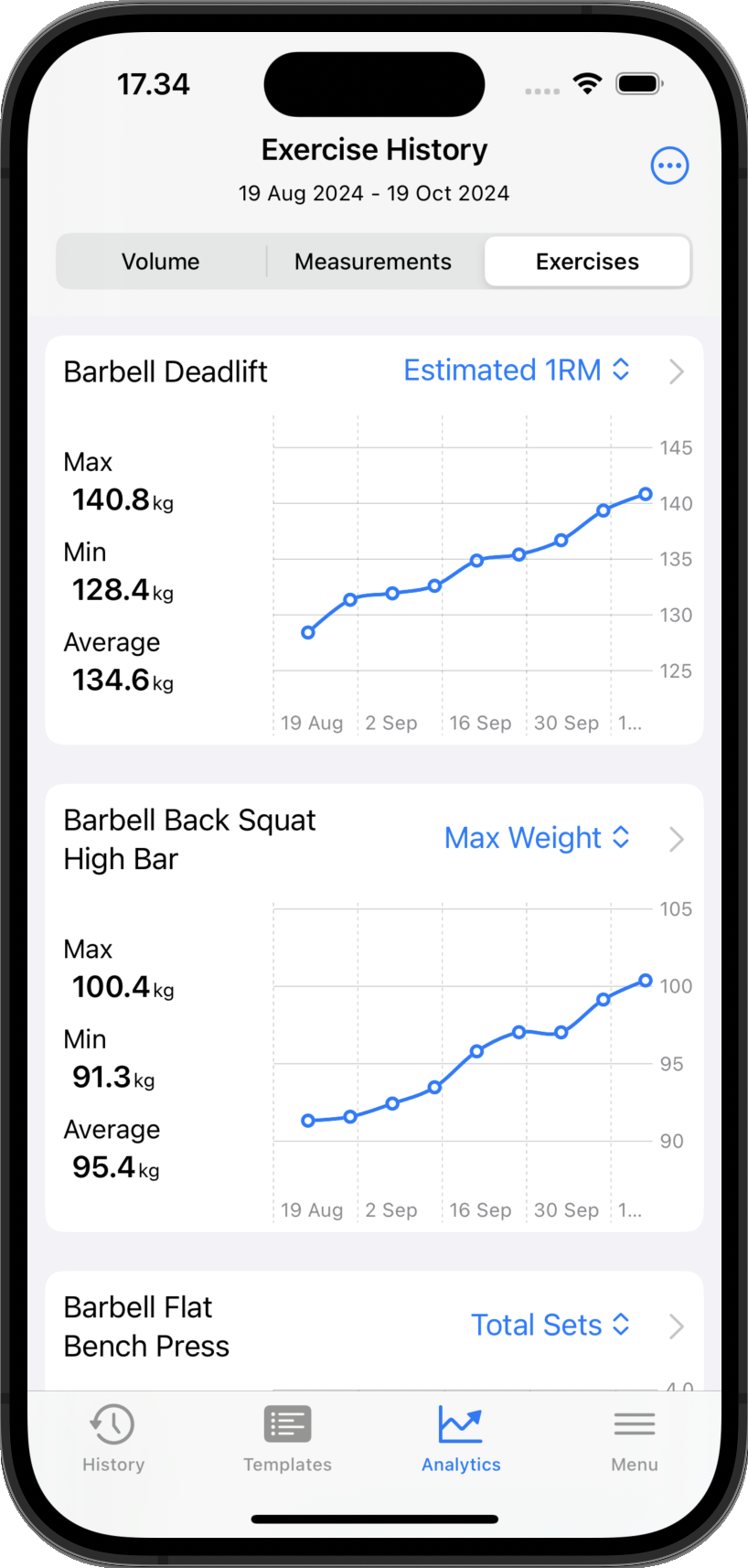
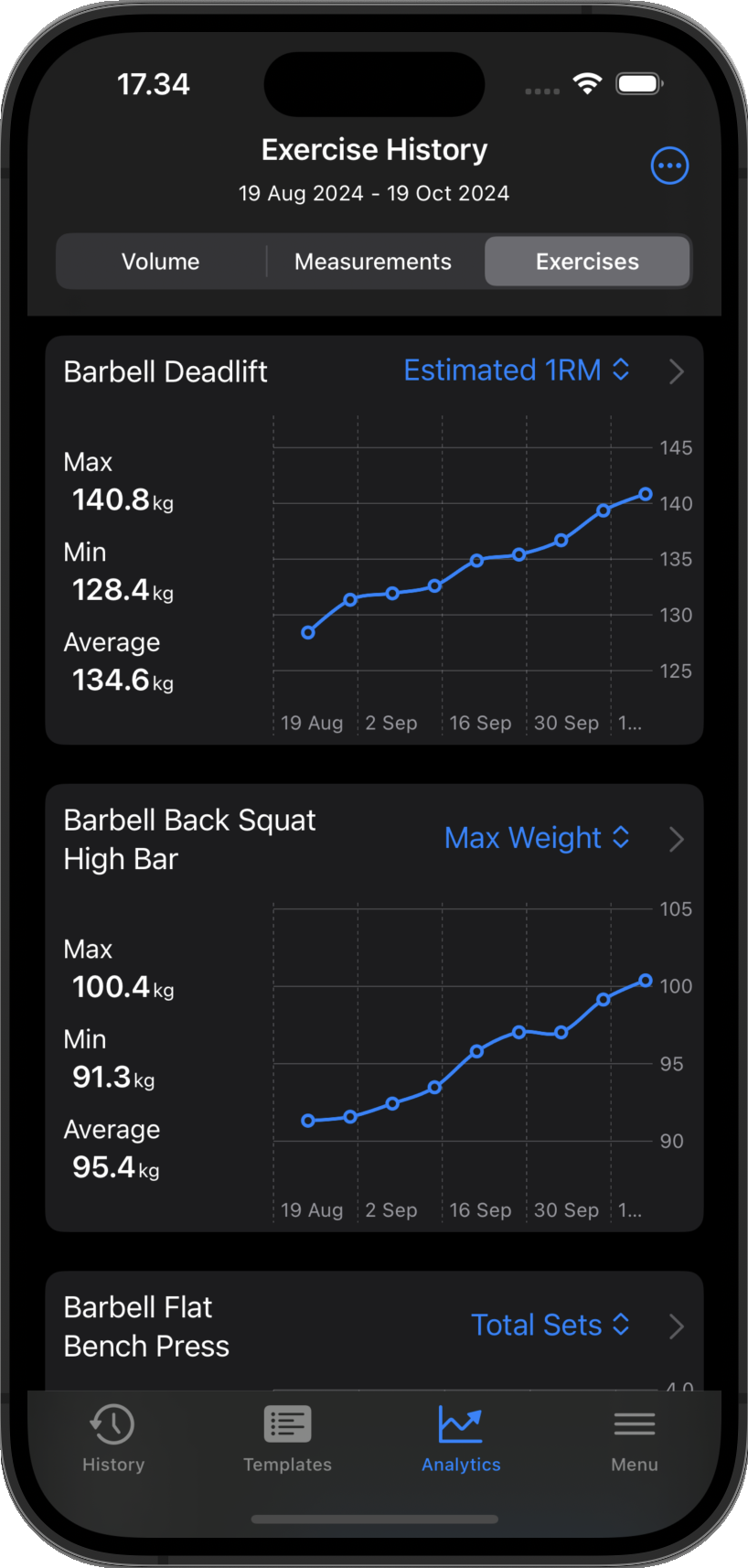
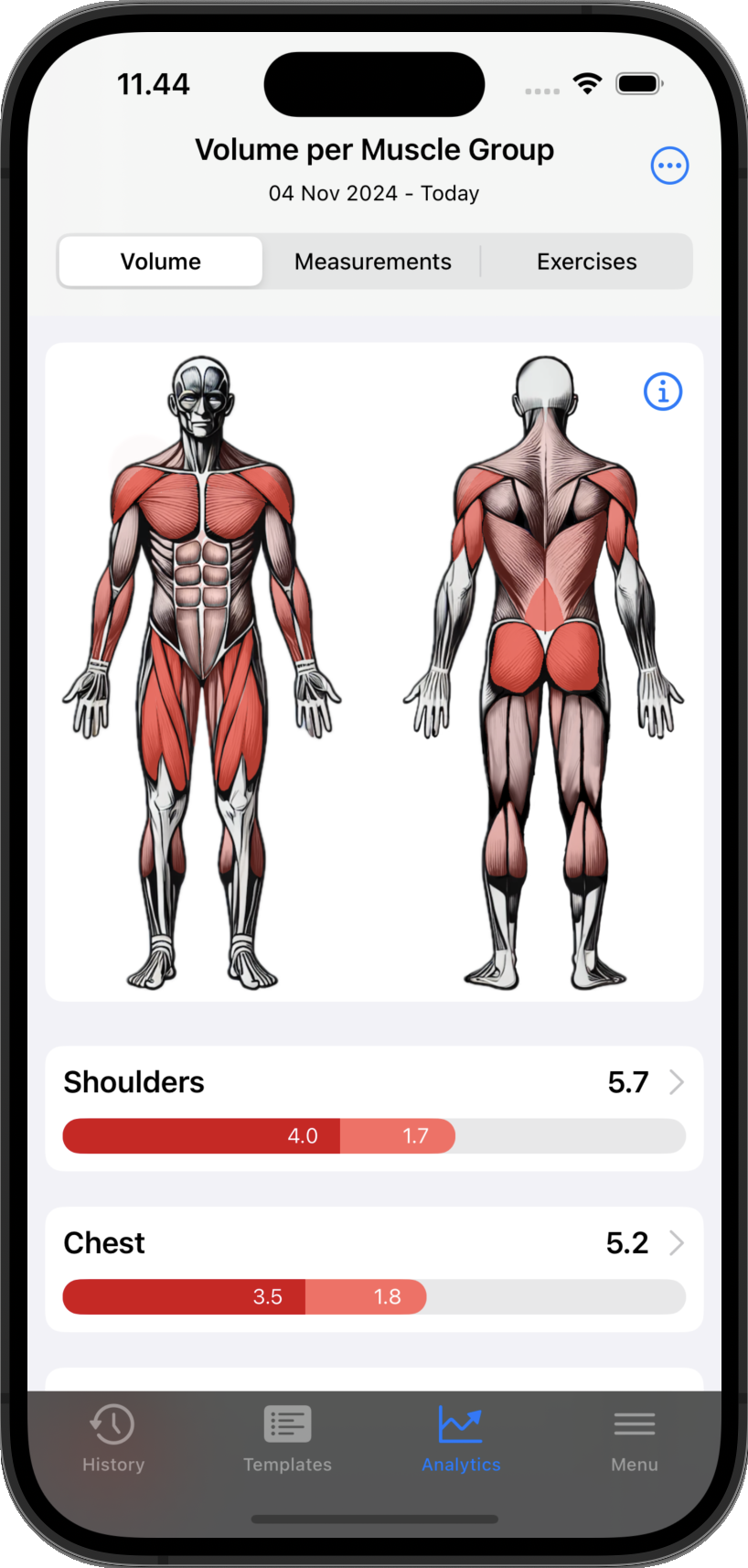
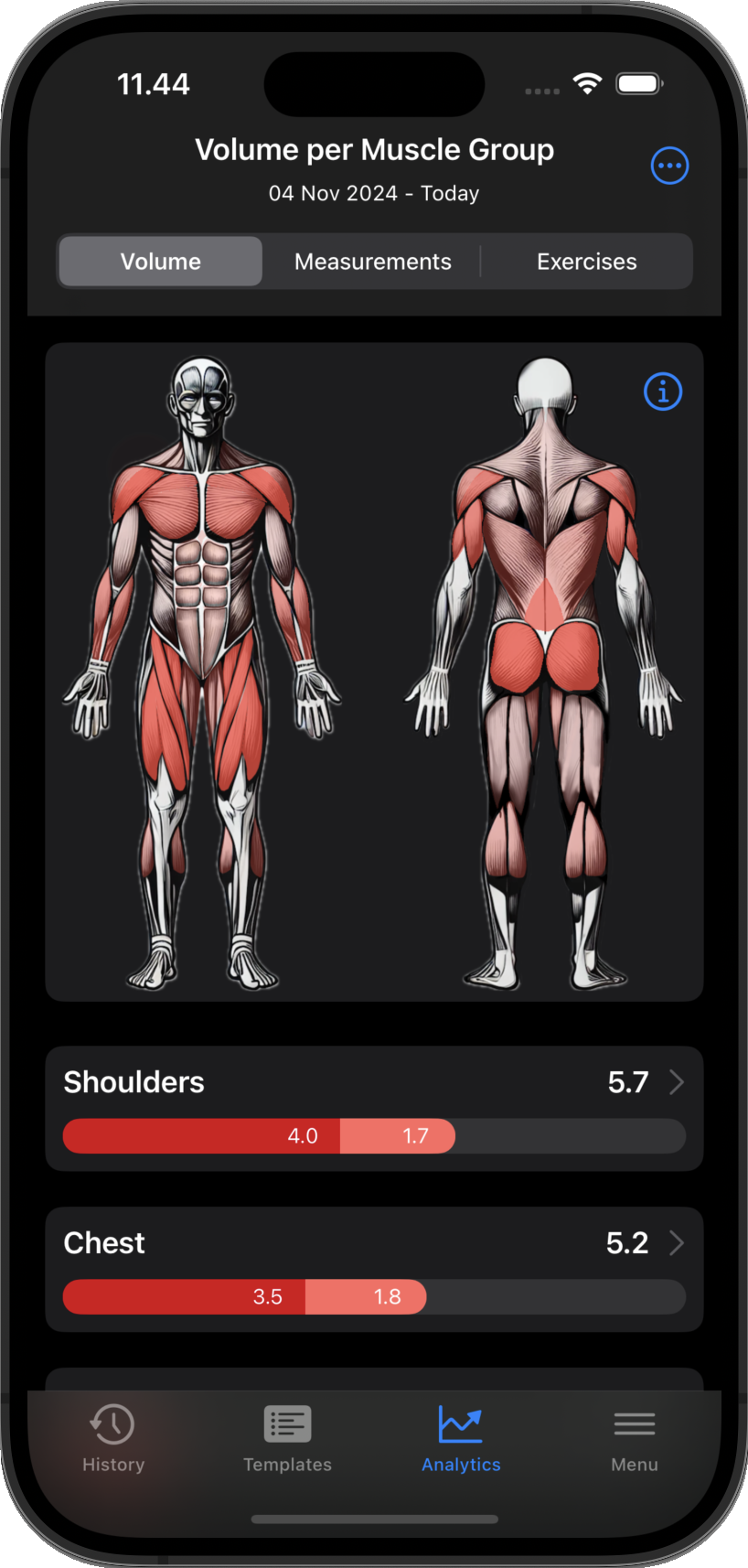
Track estimated 1RM, max reps, max weight, set count, muscle-group volume, and longer-term trends with charts and simplified weekly views.
Private by default
GymLog stores your workouts locally using Apple's Core Data. There is no GymLog account, custom server, or app-managed cloud sync.
The app does not include third-party tracking or analytics added by the developer. During beta, Apple may provide TestFlight-level metrics and crash information.
JSON import/export and Markdown exports are included so your templates and completed workouts can be moved or shared in simple formats.
Screenshots
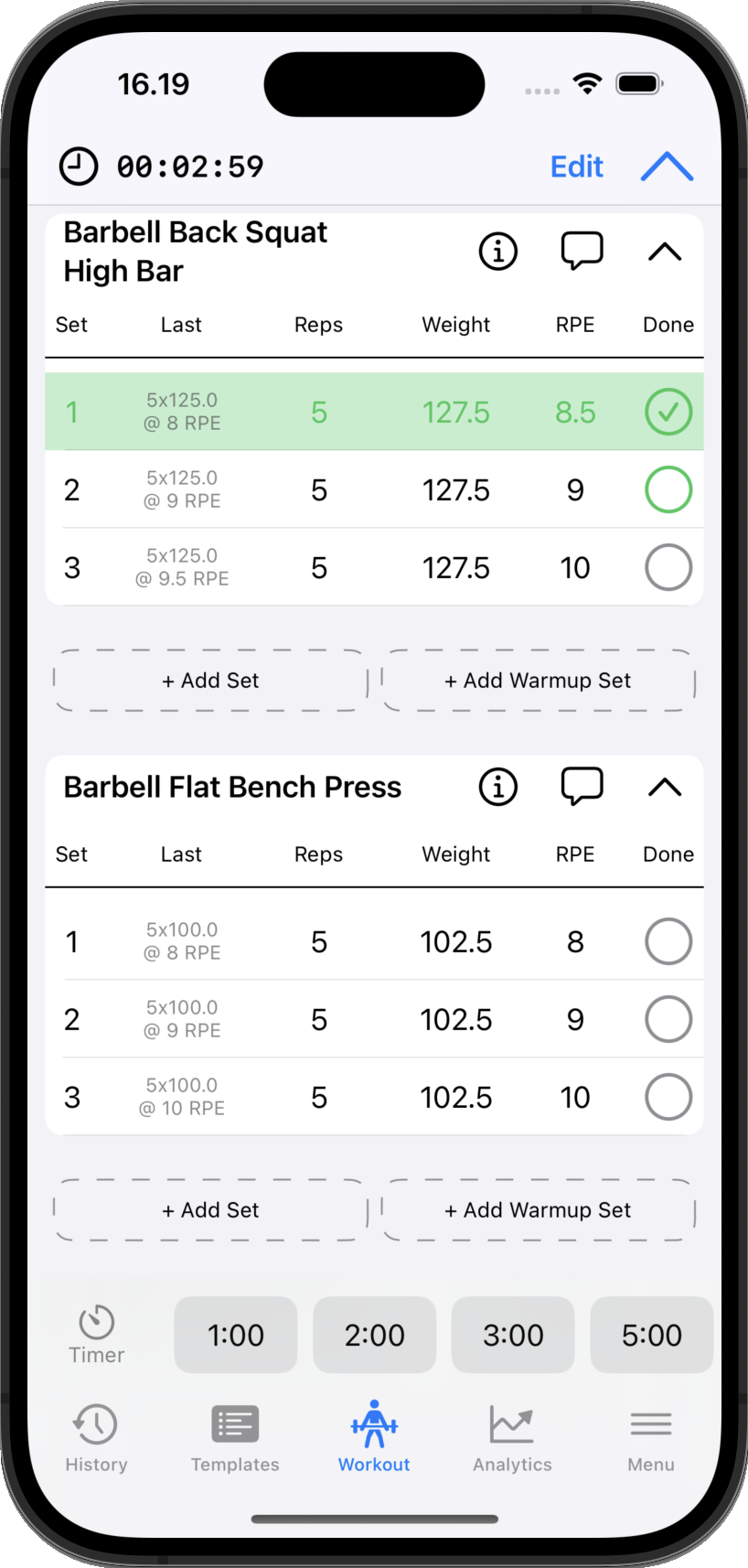
These screenshots may be outdated. GymLog is currently in open beta, so the interface can change quickly while feedback is being addressed.
Training tools
Built in Swift for iPhone with an iOS 26-style interface inspired by Apple's first-party apps. There is no Android version currently planned.
Log planned sets and manage rest timing from Live Activity, with arbitrary number entry kept inside the app because of keyboard limitations.
Track estimated 1RM automatically, update training maxes when progress happens, choose estimation equations per exercise, and use manual calculators when needed.
Define exercises, assign primary and secondary movers, and track fractional muscle-group volume such as secondary triceps work on bench variations.
Built around Apple's Core Data storage with JSON import/export, plus Markdown exports for workout templates and completed workouts.
Plate calculator, warmup presets, long-press quick adds, workout notes, exercise comments, and body measurements are built into the same workflow.
Open beta
GymLog is currently looking for beta testers who train from their own programs and can give practical feedback on logging speed, planning, timers, and progress tracking. Screenshots on this page are placeholders and may not match the newest build exactly.